LoopCast › Features
Everything it can do.
Simple on the surface, with the controls you want when the room is full.
These are the real controls.
Press Logo to cover the screen with your logo, or Black to fade out, just like you would at the event.
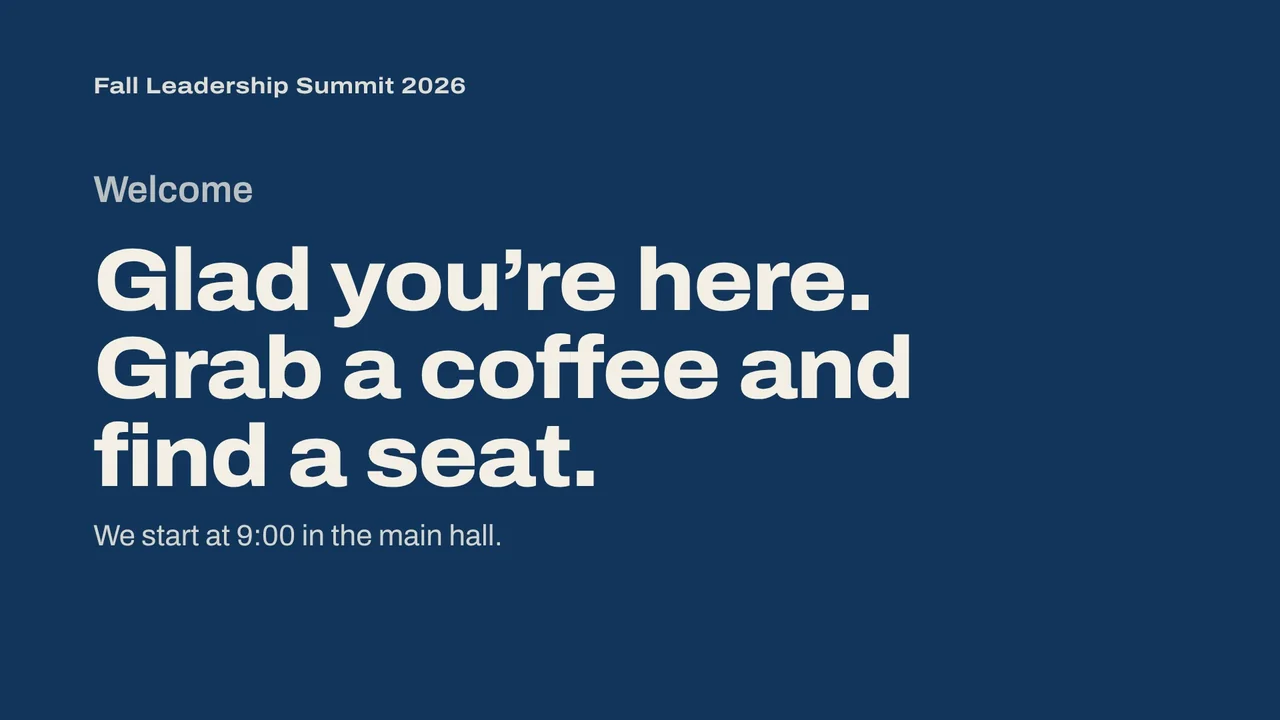
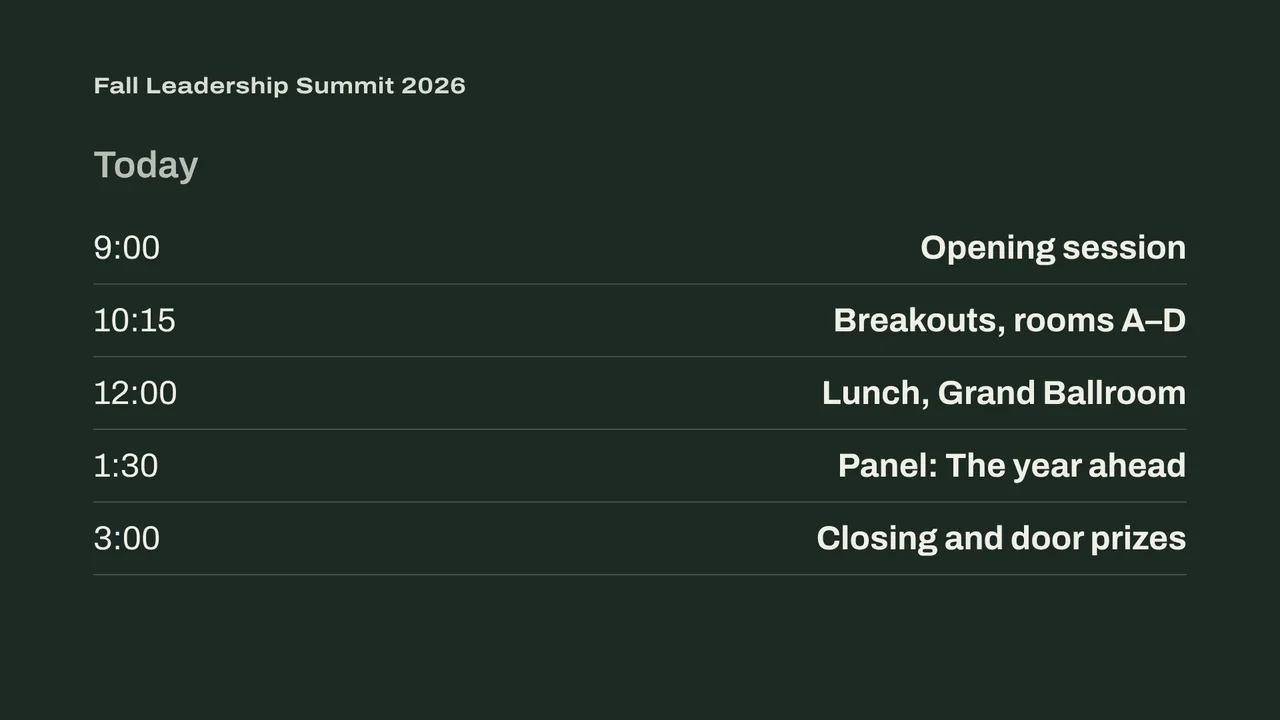
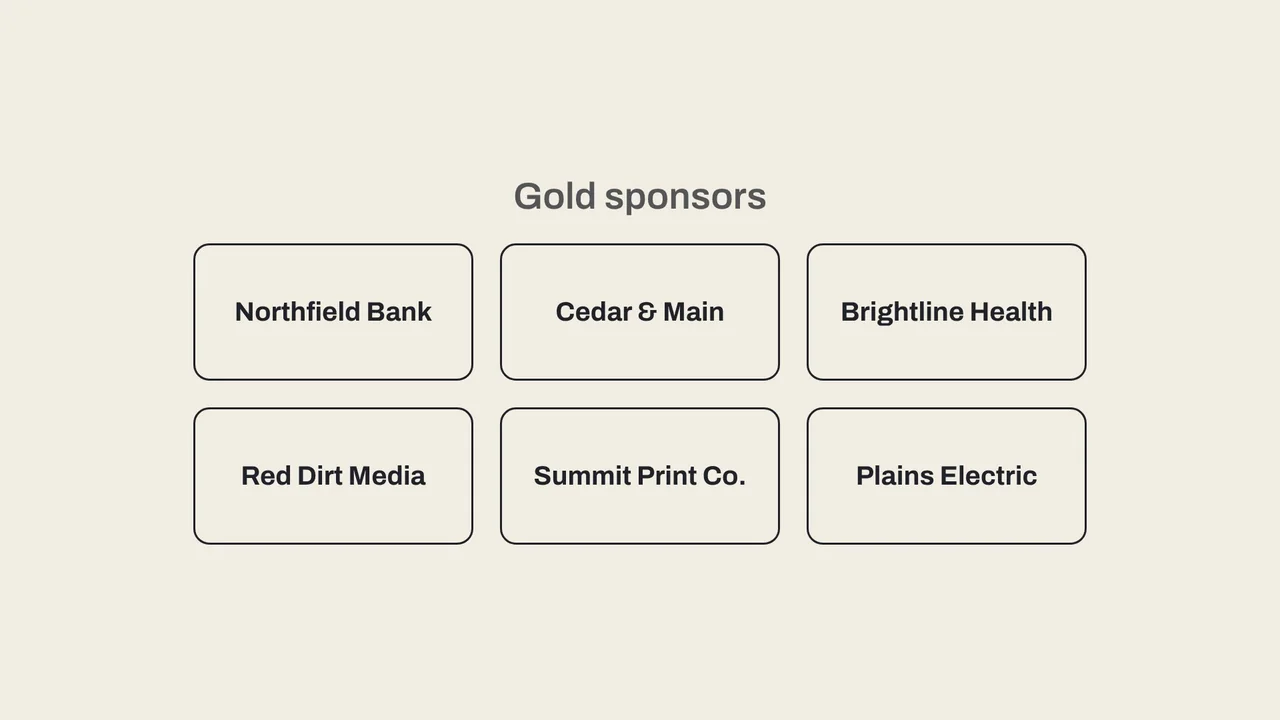
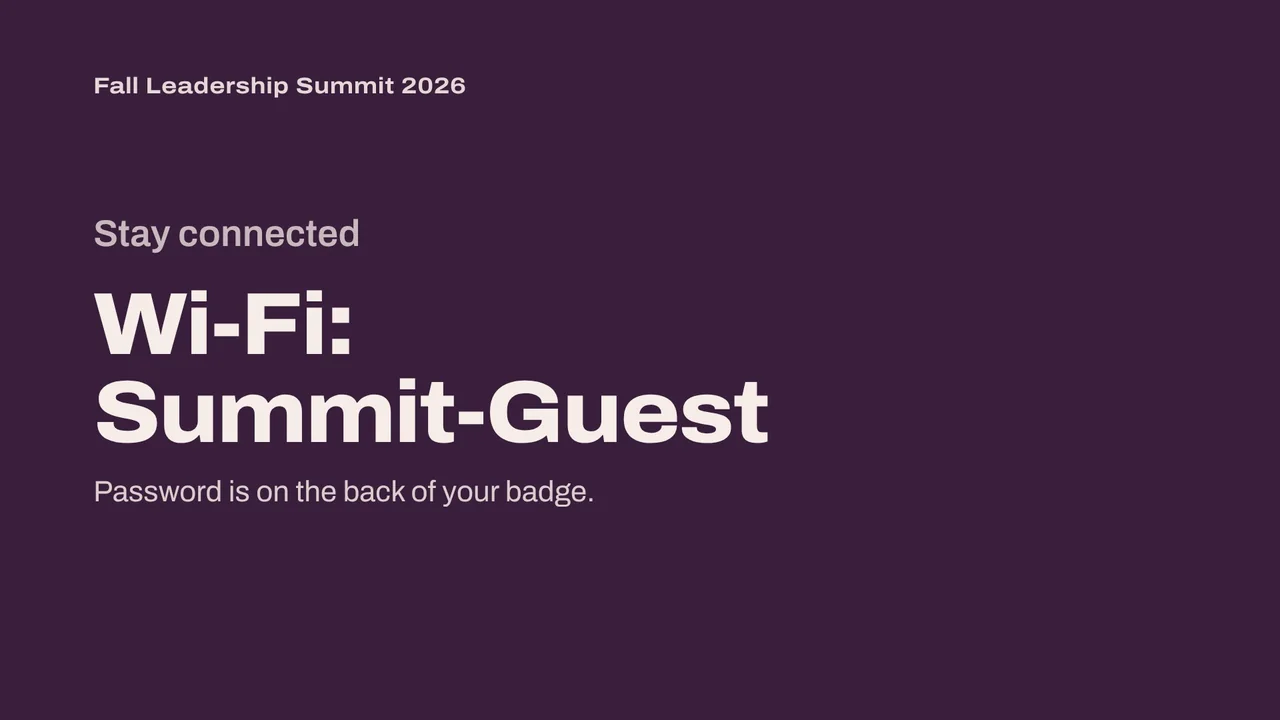

Your keyboard is the remote.
Speaker running late? Cover the screen with your logo in one key. Presenter calls for the agenda? Jump straight to it. A clicker works too.
The little things that save an event.
Countdown and messages
Press T for a “Back in 10:00” timer over the screen, or M to put a message bar along the bottom, like “Session 2 starts in Room B.”
Runs on a schedule
Switch to the lunch loop at noon and back at one, by the computer’s clock. Lobby TVs can start the show by themselves when the computer turns on.
Drag, drop, reorder
Drop files onto a playlist to add them, drag slides into the order you want, and give any slide its own time on screen.
Click through on cue
Set a playlist to Manual and each slide waits for you. Arrow keys, Page Down or a presentation clicker move it on.
PDFs become slides
Every page of a PDF plays as its own slide, sharp at the projector’s resolution. Export PowerPoint or Keynote decks as PDFs.
Repeat one file
Keep a single image or video up until you press next, while the rest of the playlist waits.
Copies with hidden files
Duplicate a playlist and hide a few files for the second session. The original stays untouched.
End on your logo
Each playlist can loop, stop on the last slide, or finish on your logo screen by itself.
Live web pages
Paste a web address into a playlist to show a live poll, social wall or schedule. In Manual mode you can click and scroll it from your laptop.
Send from a phone
Scan a QR code and send photos, videos or PDFs from a phone on the same Wi-Fi. They land in a playlist, ready when you are.
One screen is enough
No projector? Fullscreen here fills the computer you’re on, and Esc brings the controls back.
Ready when the doors open.
Your computer will show a security warning the first time you open it. That’s expected. Here’s why, and what to click.