LoopCast › Conferences
Walk-in loops and event screens for conferences.
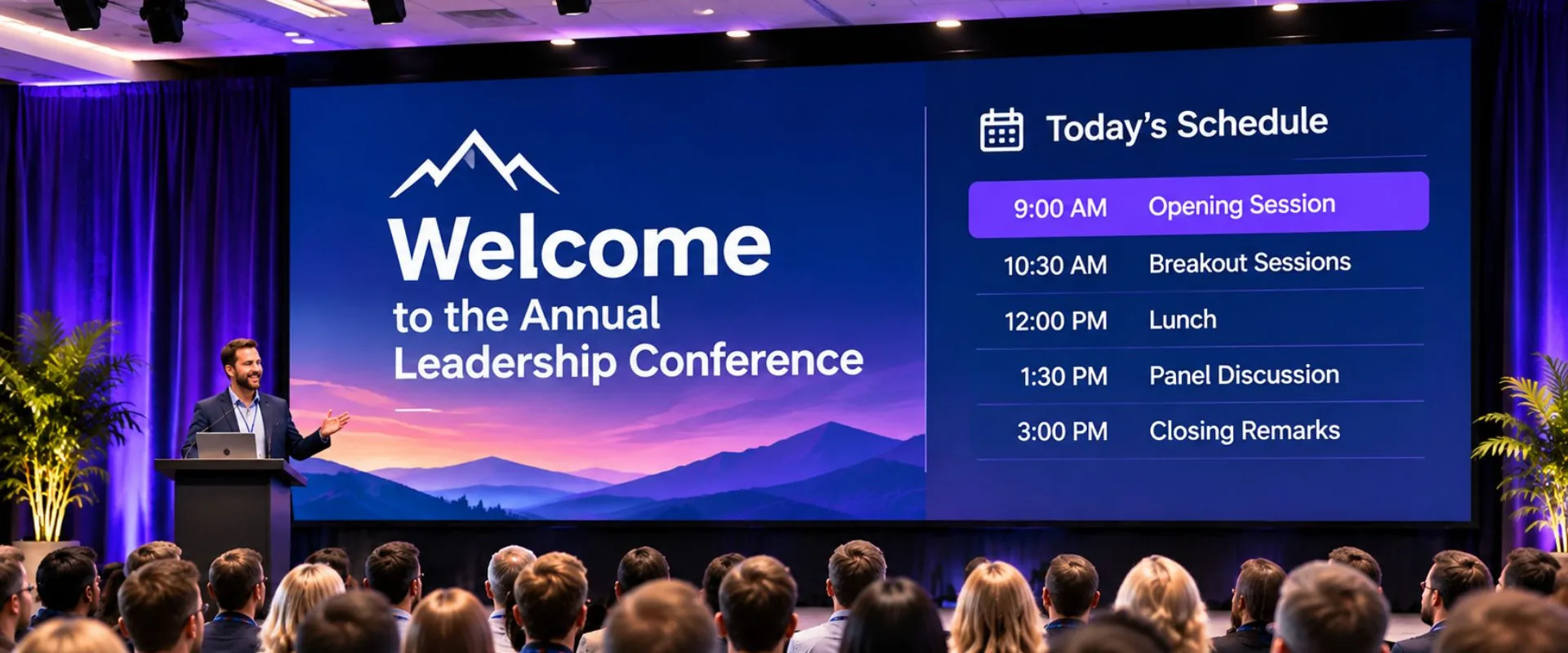
Welcome slides, the day’s agenda, sponsor thank-yous and break timers, looping on the big screen while you run the rest of the event.
Everything a conference screen needs to show
Between sessions, the stage screen is the most-read sign in the building. LoopCast keeps it useful: a walk-in loop as doors open, sponsor slides at breaks, a “back in 15 minutes” screen, and your event logo whenever the stage is dark.
- One folder per moment. Walk-in, Sponsors, Break, Lunch. Each folder is a playlist you can switch to in one click.
- Sponsor decks as PDFs. Every page becomes a slide, rendered sharply at the projector’s resolution.
- Agenda changes at the last minute. Drop the new slide into the folder and it shows up the next time around.
- Logo and black on one key for the moment a speaker takes the stage.
Built for the AV table
Your laptop shows a live preview of what the room sees, outlined red when it’s on screen, with the next item marked. The projector output opens fullscreen on the second display. If the venue has a presenter laptop or camera feed, a USB HDMI capture stick turns it into a live input you can cut to and back.
No Wi-Fi required
Hotel and convention-center networks are unpredictable. LoopCast plays from files on your computer, so the loop keeps going whether or not the internet does.
Breakout rooms too
Put LoopCast on each room’s laptop with that room’s session details. If a room only has one screen, Fullscreen here fills it, and Esc gets you back to the controls.
Ready when the doors open.
Your computer will show a security warning the first time you open it. That’s expected. Here’s why, and what to click.