LoopCast › Churches
Pre-service announcement loops for churches.
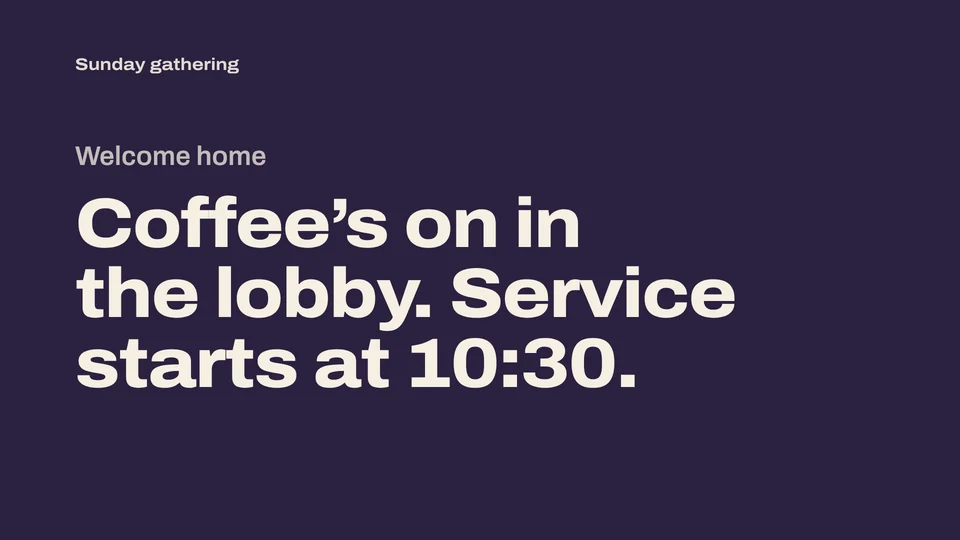
Welcome slides, announcements and countdown videos on the sanctuary and lobby screens, looping until the service starts. Simple enough for any volunteer.
The announcement loop, without tying up the presentation computer
Most churches loop announcements before the service and between services. LoopCast does that one job well: point it at a folder of announcement slides and it plays them on repeat, fullscreen on the sanctuary projector or the lobby TV.
- Volunteer-friendly. Choose the folder, click Show on projector, press play. Nothing to configure.
- Announcements as a PDF. Export this week’s slides from Canva, PowerPoint or Keynote as a PDF and drop it in. Each page becomes a slide.
- Countdown video at the end. Set the pre-service playlist to stop on its last item, or end on your church logo.
- Lobby and kids’ check-in screens. Run a separate copy on each screen’s computer, each with its own folder.
Update it in seconds
Replace last week’s files with this week’s and LoopCast picks them up the next time the loop comes around. Want a version for the second service without one announcement? Duplicate the playlist and hide that slide. The original stays as it was.
Works alongside your worship software
LoopCast doesn’t replace lyric and sermon software. It’s for the loops around the service, on the same projector before worship starts or on a different screen entirely.
Ready when the doors open.
Your computer will show a security warning the first time you open it. That’s expected. Here’s why, and what to click.