LoopCast › Lobbies and schools
Simple digital signage for lobbies, offices and schools.
Today’s events, welcome messages, menus and announcements on a lobby or hallway TV. Point LoopCast at a folder and it loops, with no subscription and no cloud account.
Any computer and any TV
Digital signage doesn’t need special players or monthly fees. Connect a computer to the TV, open LoopCast, choose a folder, and it loops your images, PDFs and videos fullscreen. If the TV is the only screen, set Settings › Projector to This screen and LoopCast fills it every time.
- Schools: hallway and cafeteria screens with this week’s news, schedules and spirit days.
- Offices and lobbies: today’s meetings and rooms, visitor welcome messages, wayfinding.
- Waiting rooms and front desks: services, hours and reminders.
- Restaurants and cafés: menu boards and specials as images or a PDF.
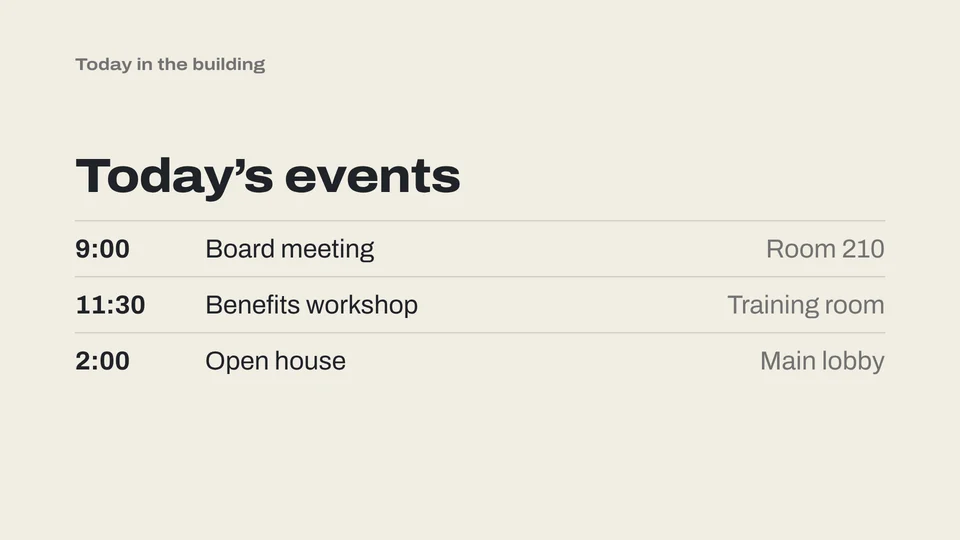
Update it from the folder
LoopCast checks the folder every time a playlist comes around, so changing the sign is as simple as replacing a file. Put the folder in a shared drive or a synced cloud folder and anyone on your team can update it.
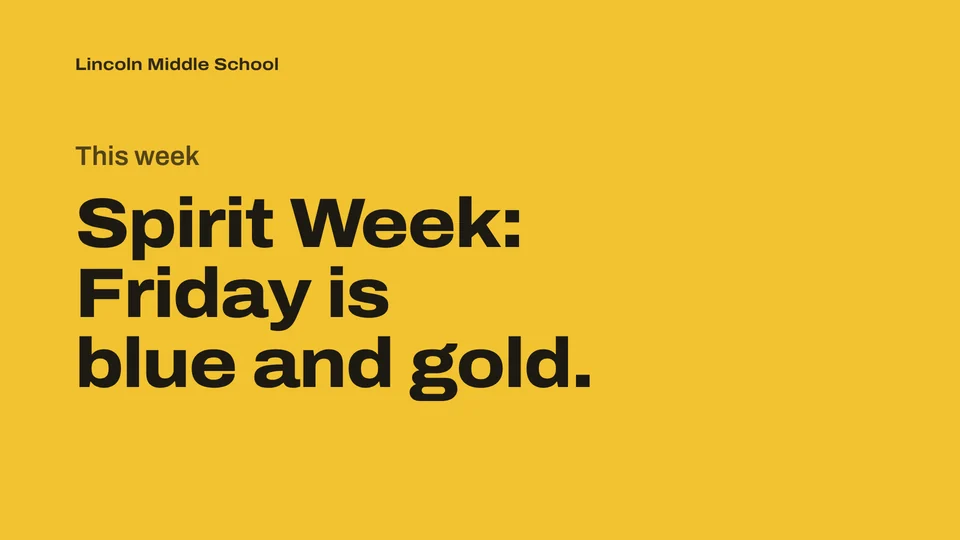
Ready when the doors open.
Your computer will show a security warning the first time you open it. That’s expected. Here’s why, and what to click.